Enter your details, your client's and one line per job or item: it totals itself in the preview. Pick how long the price stands, then download the PDF or send a link. When the client agrees, they sign the “Accepted and agreed” box, and you turn the estimate into an invoice.
No sign-up · No watermark · Your data stays on your device
Your browser is blocking storage (private browsing?): this document will not be kept if you close the page. Download it before leaving.
This browser's storage is full: the document stays on screen but is no longer saved. Remove an image or delete old documents.
This document link is invalid or incomplete. Ask the sender to send it again.
Line deleted.
Total$0.00
Your business
Estimate
No. EST-2026-001
Prepared for
—
Date
October 25, 2026
Total
$0.00
Valid until November 24, 2026
Description
Qty
Unit price
Amount
Add a line to get started.
Subtotal$0.00
Total$0.00
Accepted and agreed
Date and client signature
Date
Signature
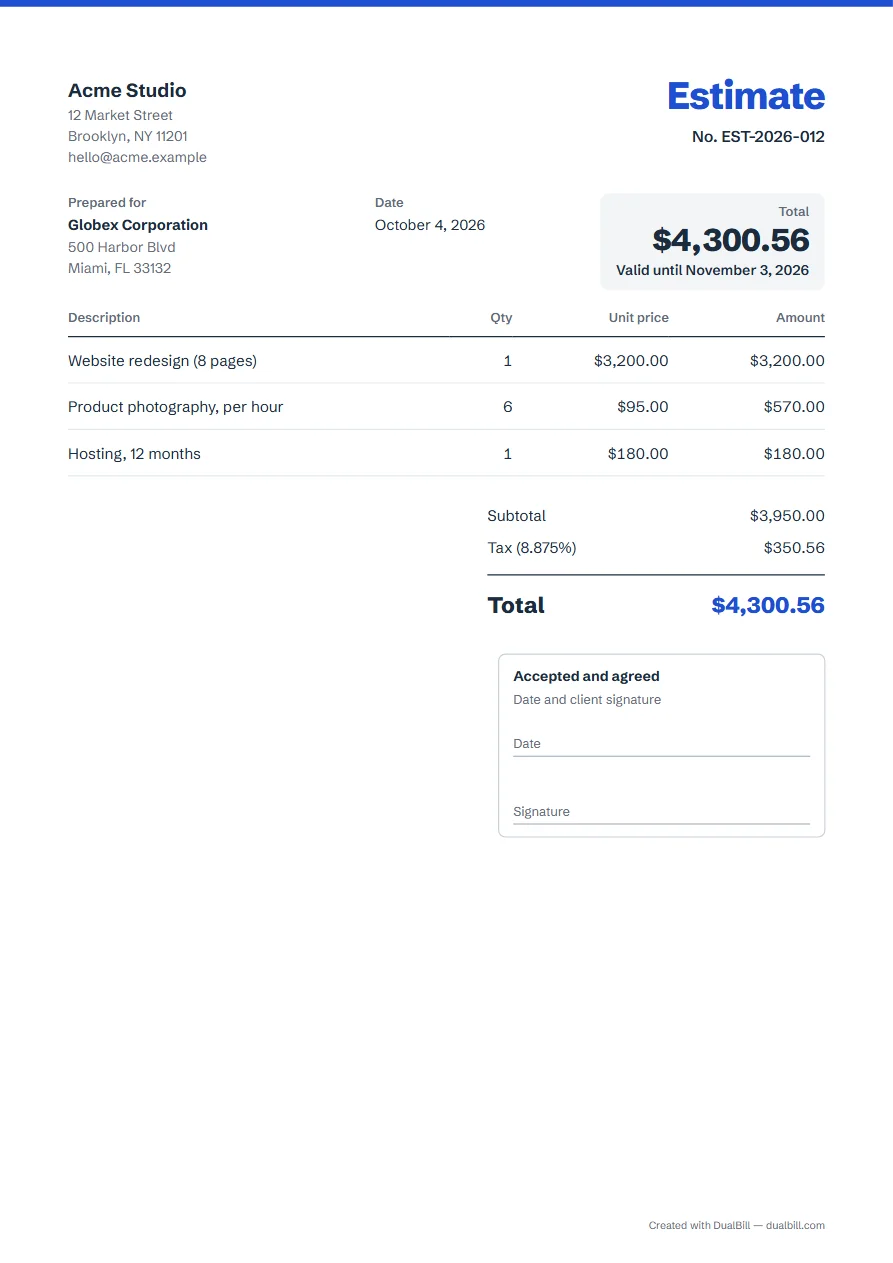
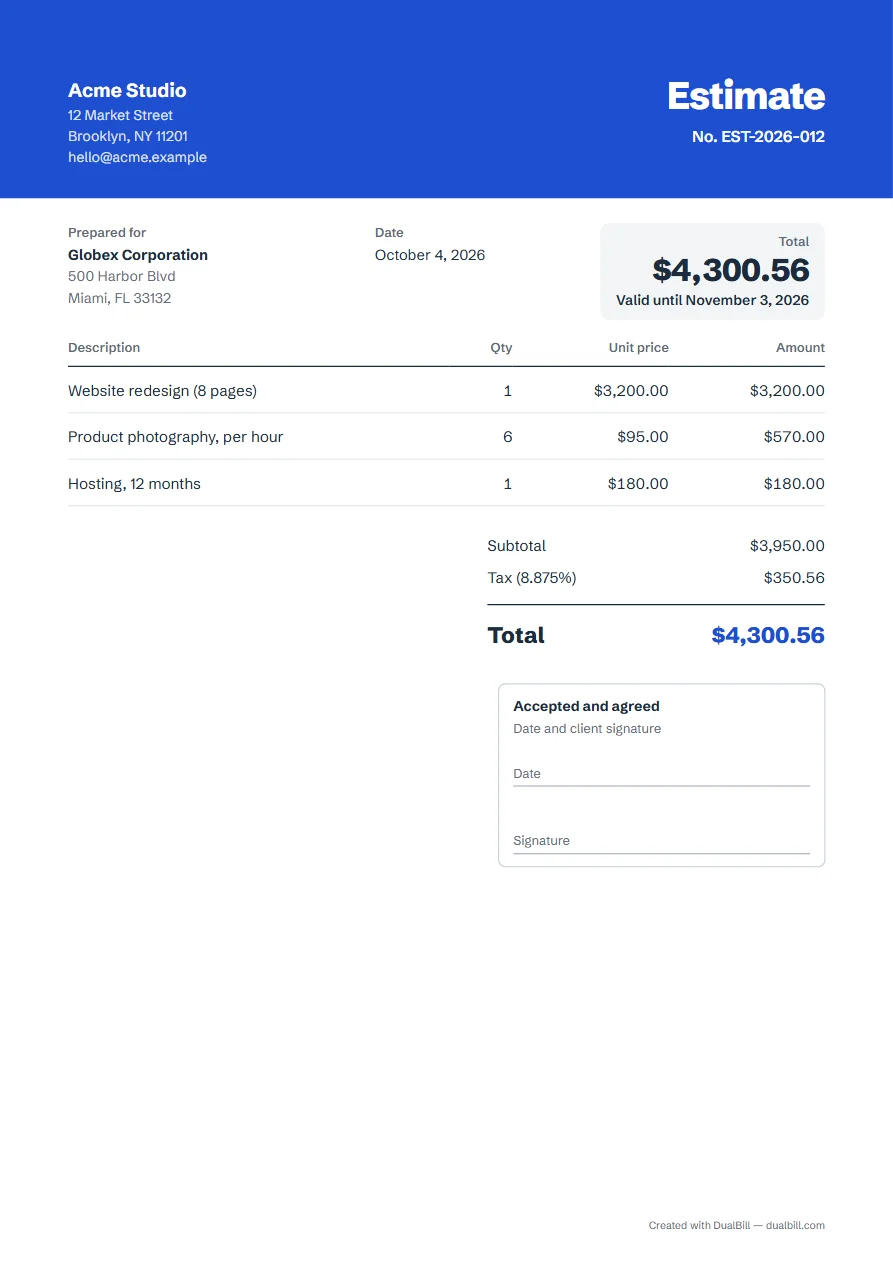
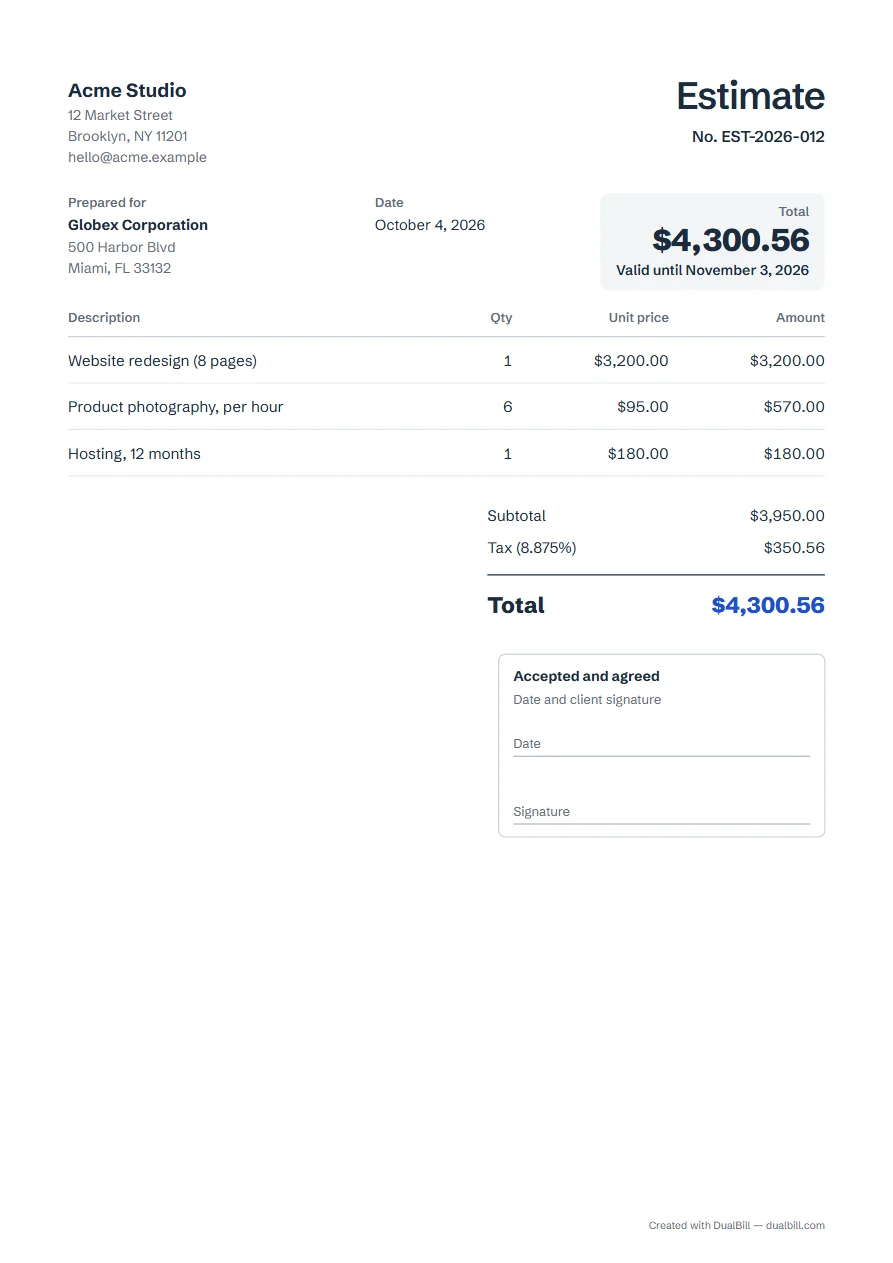
One estimate, three templates
Classic
Banner
Minimal
Estimate or quote?
Both name the same document: a price you offer before doing the work. “Estimate” is the usual word in the United States; “quote” is common in the United Kingdom, and some trades keep “estimate” for an approximate price and “quote” for a fixed one.
The document is titled “Estimate” by default. To print “Quote” instead, open “Appearance”, then “Document labels”, and type your own title. Numbers follow their own series, separate from your invoices: EST-2026-001, then EST-2026-002.
How long the price stands
Under “Number and dates”, choose 15, 30, 60 or 90 days, or set an exact date. The estimate prints “Valid until” with that date, so your client knows when to reply. Choose a period for which you can keep both your prices and your schedule.
Getting the client's agreement
At the bottom of the estimate, an “Accepted and agreed” box leaves room for the date and the client's signature. The client signs the printed copy or the PDF and sends it back. If you don't need it, untick the box under “Payment and notes”.
If the client pays a deposit up front, give them a receipt.
From estimate to invoice
Once the work is done, open “My documents” and choose “Create invoice” next to it (it is saved there as soon as you download or share it). The invoice keeps the client, the items and the tax, with today's date, the next number in your invoice series and, under that number, “Estimate no.” followed by the estimate's number; the original stays unchanged.
Sending it
“Share” gives you a link to copy, or to send through WhatsApp or by email; on devices that allow it, “Share the PDF” sends the file itself. Whoever receives the link opens it in a browser, with no app to install, and can download the PDF.
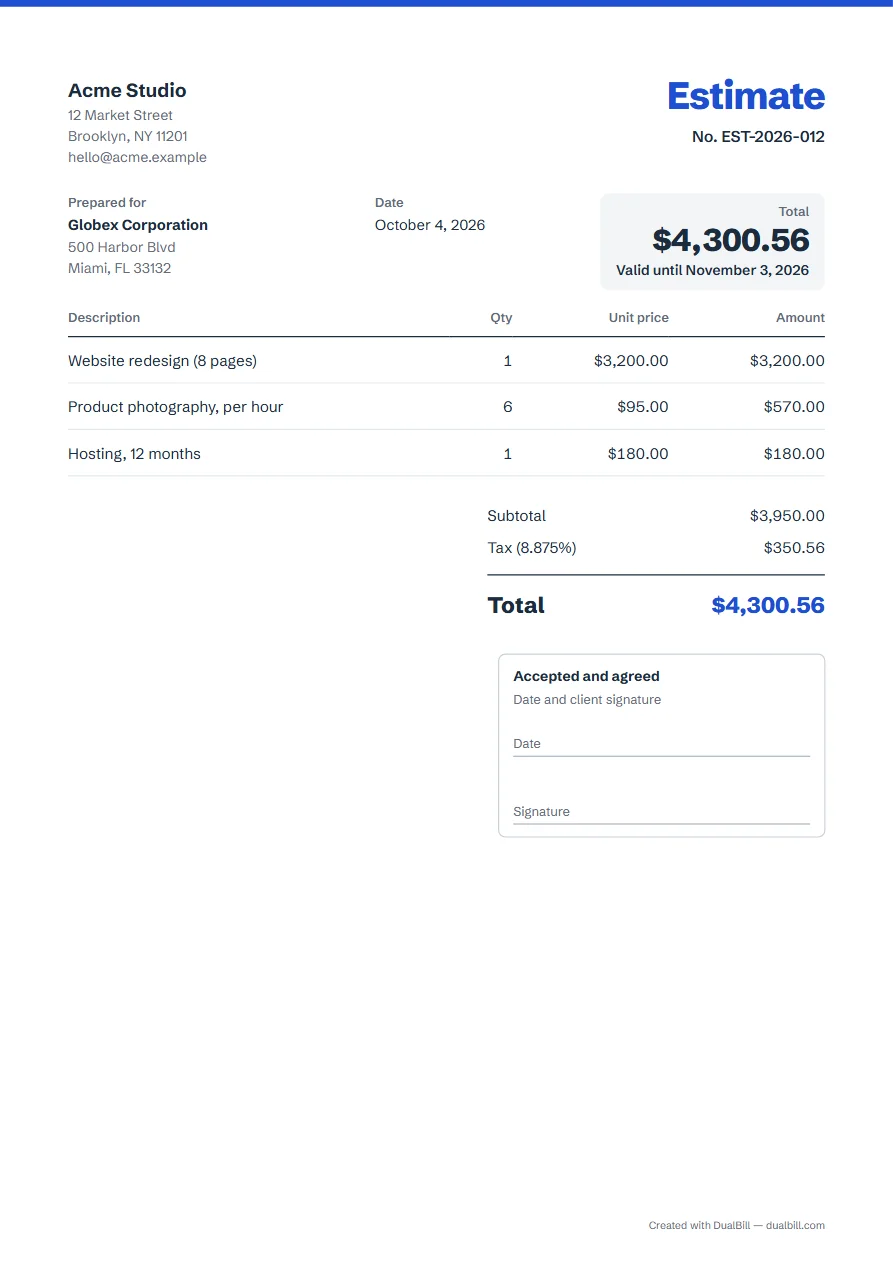
Sample estimate made with this generator (fictitious data).
Frequently asked questions
Can my client sign online?
No. The generator creates the document; it does not collect electronic signatures. Your client signs the printed copy or the PDF and returns it to you.
Can I add a discount or a different tax per line?
Yes. Under “Line options”, add a unit, a discount or a tax rate per line; “Tax, discount, shipping, deposit” holds the discount on the whole estimate.
Can I write it in two languages?
Yes. Under “Languages and currency”, tick “Add a second language”: every label prints in both languages (English, Spanish, French or Arabic).
Where are my estimates saved?
In this browser only. Each one you download or share goes to “My documents”. Nothing is sent to a server, so they do not appear on another device. For the UAE, see the English–Arabic invoice.