Your business
Invoice
No. INV-2026-001
| Description | Qty | Unit price | Amount |
|---|---|---|---|
| Add a line to get started. | |||
Subtotal$0.00
Total$0.00
Enter your details, your client's and one line per item: the invoice totals itself and appears in the preview. Add a second language when your client reads Spanish, French or Arabic, then download the PDF or send a link. No sign-up: your invoices stay in your browser.
No sign-up · No watermark · Your data stays on your device ·
Your browser is blocking storage (private browsing?): this document will not be kept if you close the page. Download it before leaving.
This browser's storage is full: the document stays on screen but is no longer saved. Remove an image or delete old documents.
This document link is invalid or incomplete. Ask the sender to send it again.
Line deleted.
Amount due$0.00
| Description | Qty | Unit price | Amount |
|---|---|---|---|
| Add a line to get started. | |||
Open “Add details”, then “Languages and currency”, and tick “Add a second language”. Every label on the invoice then appears in both languages, for example “Amount due” and “Importe a pagar”. Your own text — names, addresses, line descriptions — stays exactly as you type it.
With Arabic, the document reads right to left, amounts keep the digits 0-9, and the total can be written in words in each language.
Set the tax rate once for the whole invoice, or a different rate per line under “Line options”. “Tax, discount, shipping, deposit” adds a discount, a shipping cost or a deposit already paid; the balance due updates on the document.
Choose payment terms such as Net 15 or Net 30 under “Number and dates”: the due date is calculated and printed. Paste an online payment link in “Payment and notes” and the PDF shows a QR code your client can scan.
Each invoice you download or share is saved under “My documents”. When you come back, a new invoice starts with the next number in your series: INV-2026-001, then INV-2026-002.
A shared link carries the invoice itself: your client opens it in a browser and can download the PDF. Your logo, stamp and signature are not included in links; send the PDF to include them.
The same tool makes an estimate, a receipt, a credit note and a proforma invoice. Unpaid? Send a payment reminder.
Under “Appearance”, pick one of three invoice templates — Classic, Banner or Minimal — and an accent color. Add your logo under “Your IDs and logo”, and a stamp or a signature drawn with a finger or a mouse under “Stamp and signature”. Anything you create from this document later keeps the same look.
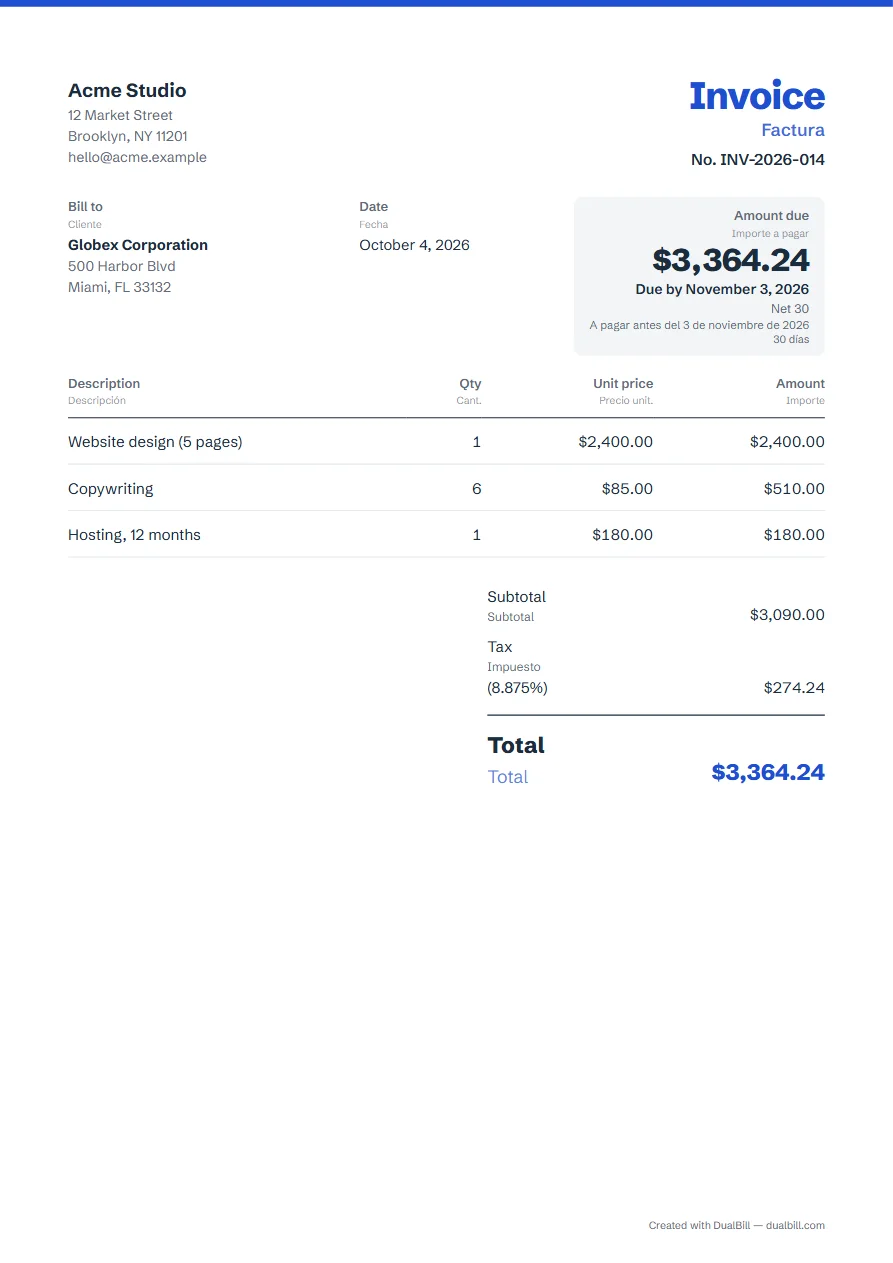
No. The PDF has no watermark and no ads. A small “Created with” line with the site name, at the bottom, can be turned off. You can add your own logo under “Your IDs and logo”.
No. Your invoices stay in this browser, with no account and no server. “Erase my data from this device” removes everything the site has saved.
Yes. Pick any currency under “Languages and currency”. Amounts follow the conventions of the document's language, for example $1,250.00 in English, with the decimal comma in French or Spanish.