Your business
Proforma invoice
No. PF-2026-001
| Description | Qty | Unit price | Amount |
|---|---|---|---|
| Add a line to get started. | |||
Subtotal$0.00
Total$0.00
Fill it in like a regular invoice: your details, the client, the items and the tax. It states the price of a sale before it happens, with its payment terms. Download the PDF or send a link; once the sale is confirmed, “Create invoice” copies everything across.
No sign-up · No watermark · Your data stays on your device
Your browser is blocking storage (private browsing?): this document will not be kept if you close the page. Download it before leaving.
This browser's storage is full: the document stays on screen but is no longer saved. Remove an image or delete old documents.
This document link is invalid or incomplete. Ask the sender to send it again.
Line deleted.
Amount due$0.00
| Description | Qty | Unit price | Amount |
|---|---|---|---|
| Add a line to get started. | |||
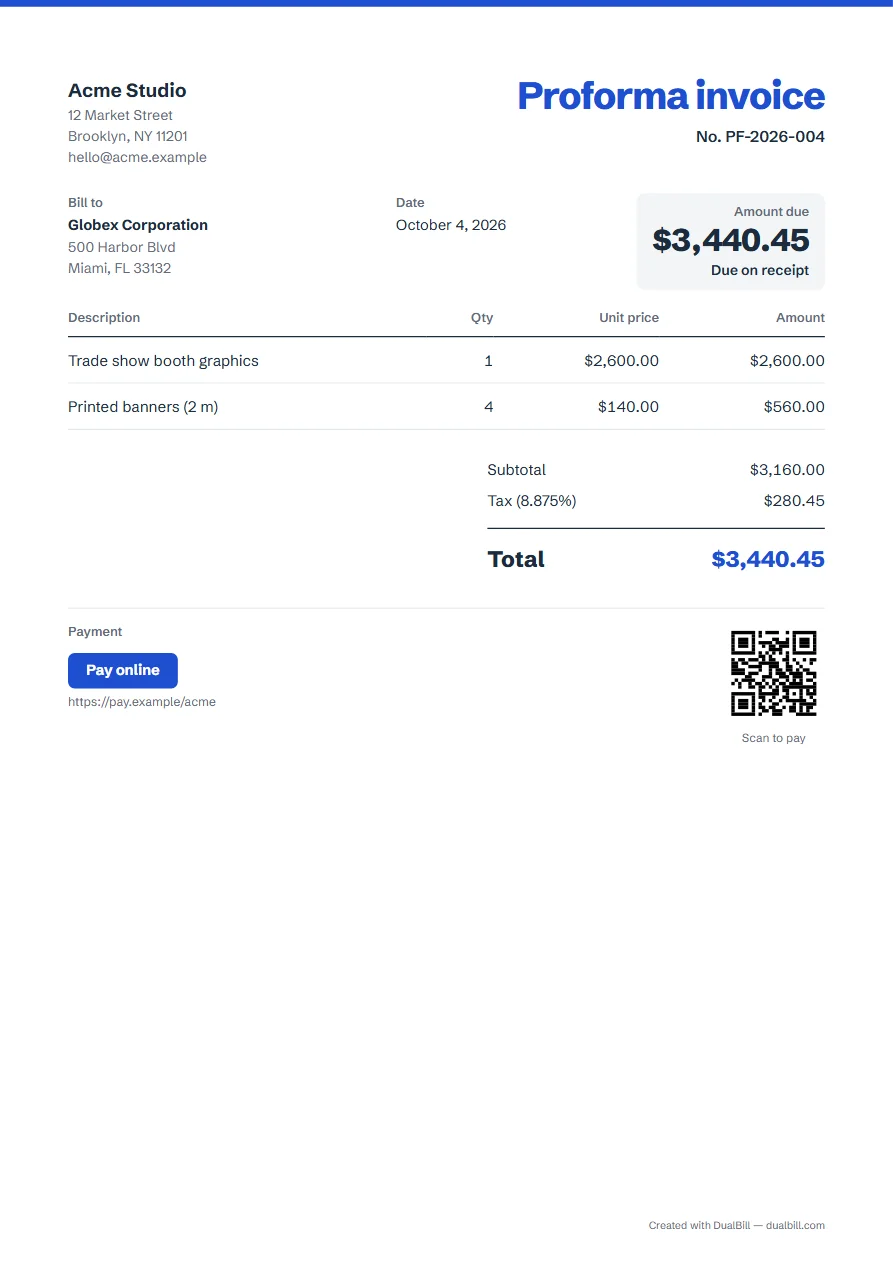
A proforma invoice sets out what will be sold and for how much, before the sale takes place. Businesses send one to ask for payment in advance, to let a client's purchasing team approve an order, or to prepare an import.
It is titled “Proforma invoice” and has its own number series, separate from your invoices: PF-2026-001, then PF-2026-002.
Under “Number and dates”, choose “Due on receipt”, Net 15, Net 30 or a date of your own: the document shows the amount due and its due date.
Under “Payment and notes”, add your bank details in “Payment details”, or paste an online payment link. The shared link then shows a payment button, and the PDF a QR code your client can scan with a phone.
Once the sale is confirmed, open “My documents” and choose “Create invoice” next to it (it is saved there as soon as you download or share it). The invoice keeps the client, the items, the tax and the currency, with today's date, the next number in your invoice series and, under that number, “Proforma no.” followed by the proforma's number; the original stays as it was.
If the client has already paid part of it, give them a receipt and enter that amount in “Already paid (deposit)” on the invoice.
Under “Appearance”, pick one of three templates — Classic, Banner or Minimal — and an accent color. Add your logo under “Your IDs and logo”, and a stamp or a signature drawn with a finger or a mouse under “Stamp and signature”. Anything you create from this document later keeps the same look.
An estimate offers a price that the client may accept, with an “Accepted and agreed” box. A proforma follows a decision to buy and mainly asks for payment or prepares the order.
Yes. Pick it under “Languages and currency”; amounts follow the conventions of the document's language.
Yes. Tick “Add a second language” under “Languages and currency”: “Proforma invoice” and every other label print in both languages.
In this browser only. Each one you download or share goes to “My documents”, and nothing is sent to a server.