Your business
Invoice
No. INV-2026-001
| Description | Qty | Unit price | Amount |
|---|---|---|---|
| Add a line to get started. | |||
Subtotal$0.00
Total$0.00
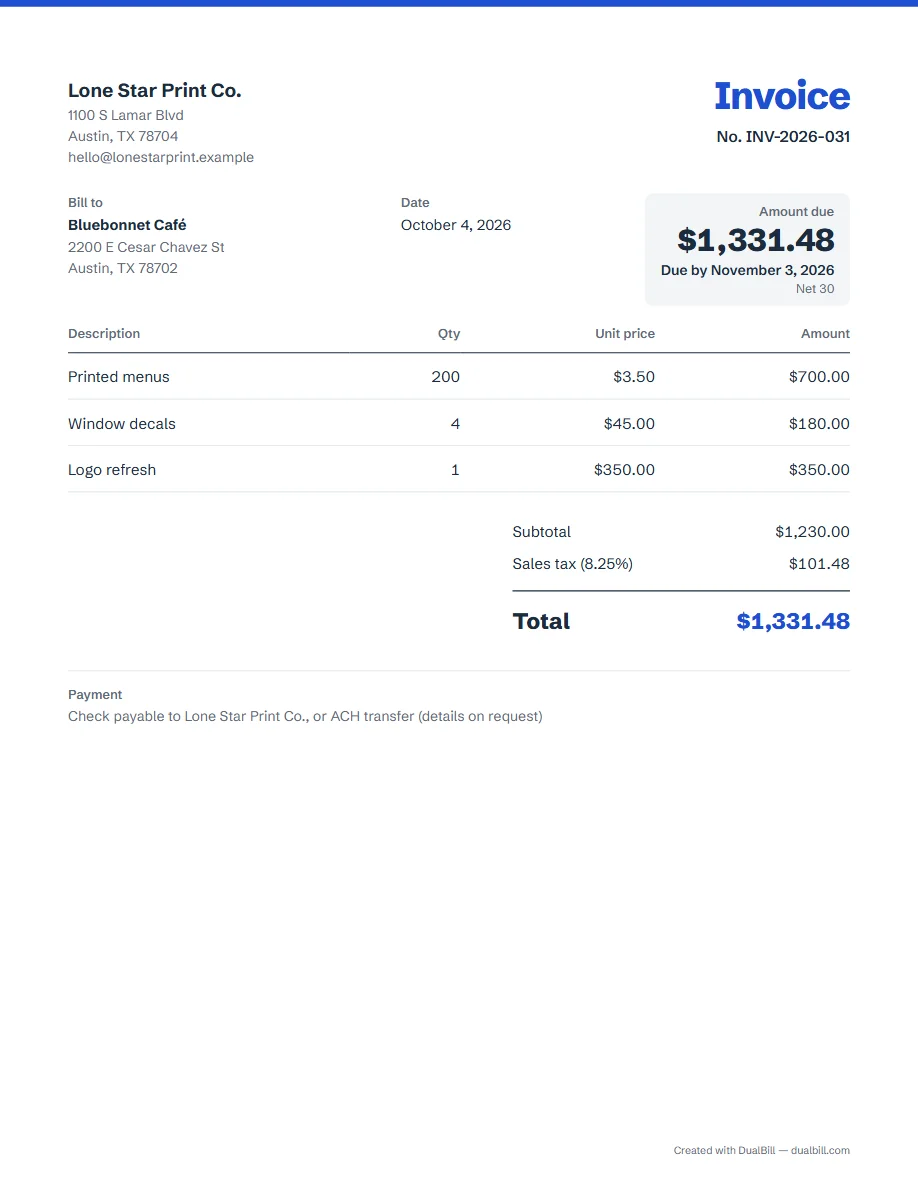
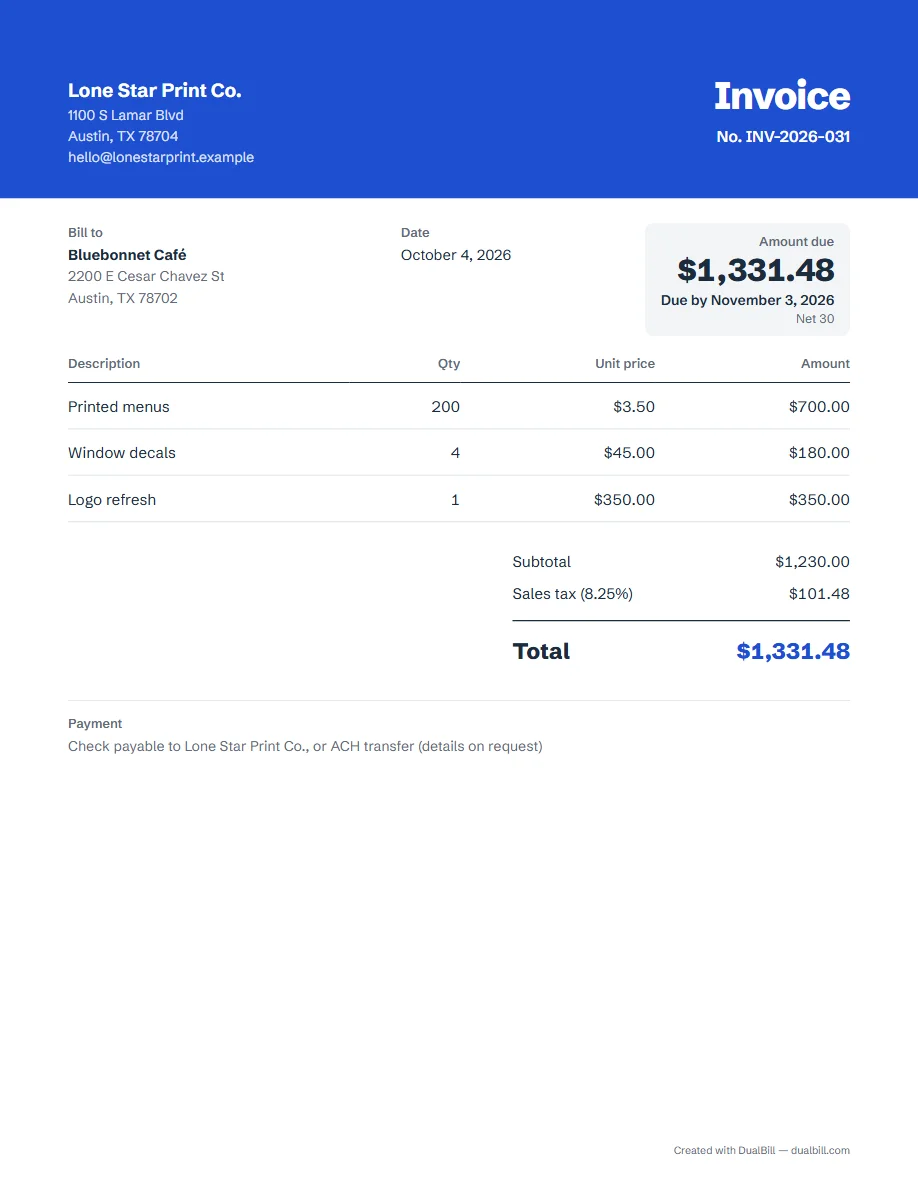
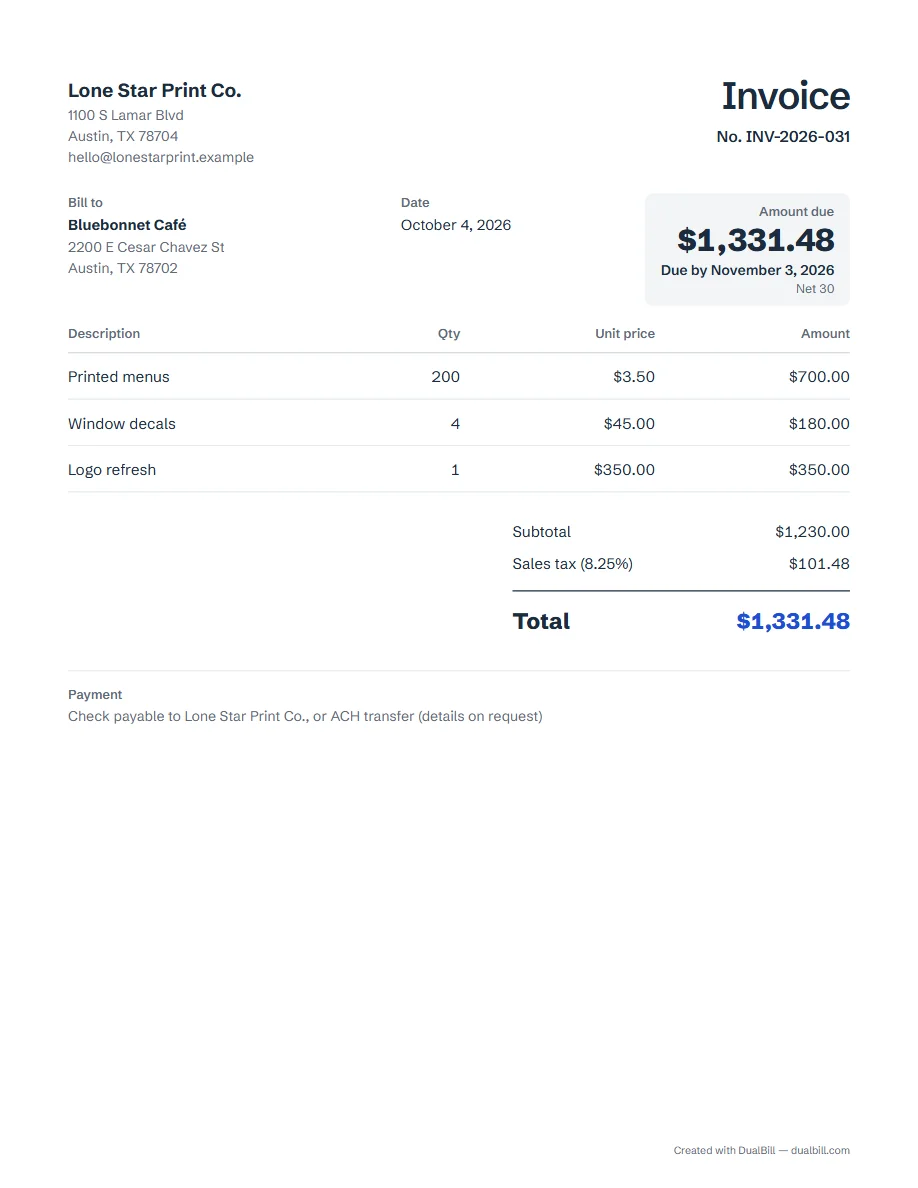
Under the generator, the same US invoice appears in our three templates: Classic, Banner and Minimal. Click “Use the Banner template”, for example, and the generator switches to it, set for the United States: Letter paper, amounts like $1,250.50 and sales tax at your rate. Then fill in your details and download the PDF.
No sign-up · No watermark · Your data stays on your device
Your browser is blocking storage (private browsing?): this document will not be kept if you close the page. Download it before leaving.
This browser's storage is full: the document stays on screen but is no longer saved. Remove an image or delete old documents.
This document link is invalid or incomplete. Ask the sender to send it again.
Line deleted.
Amount due$0.00
| Description | Qty | Unit price | Amount |
|---|---|---|---|
| Add a line to get started. | |||
Classic draws a thin strip of your accent color along the top of the page. Banner fills the whole header with that color and prints the title and your details in white. Minimal has no color block: the title is in dark ink and the table rules are lighter; only the total keeps the accent color.
Everything else sits in the same place in all three: your name and address, “Bill to”, the dates, the amount due in its box, the lines, the totals and the payment details. Switching templates later moves nothing and loses nothing.
The template is a setting of the document, not a separate file. Open “Add details”, then “Appearance”, to switch between Classic, Banner and Minimal at any time, and to pick the accent color. The preview and the PDF follow at once.
If you already have an invoice in progress, choosing a template here never changes it: a banner offers to resume your draft or to start a new invoice in that template.
This page opens the generator for the United States: Letter paper (8½ × 11 in), dollar amounts with a comma for thousands and a period for cents, “Sales tax” on the tax line, and payment terms such as Net 30. Sales tax depends on the state and the locality; the US invoice guide explains what an invoice usually shows and links to the official sources, and how to make an invoice walks through each part.
For another country, change “Country” at the top of the generator: the paper size, the date format and the tax label follow.
The generator makes a PDF and a shareable link, not a Word or Excel file. Each invoice you download is saved under “My documents” in this browser, with the next number ready for the following one. To bill by the hour, use the freelance invoice instead.
Yes. All three templates, the PDF and the shared link are free, with no account and no watermark. A small “Created with” line with the site name, at the bottom, can be turned off.
Yes. Add it under “Your IDs and logo”: it appears at the top in Classic, Banner and Minimal alike.